What are Claude skills? Per department, and where to start
By Mike van BeaumondAI Engineer · company brain & automationpublished on
10 min read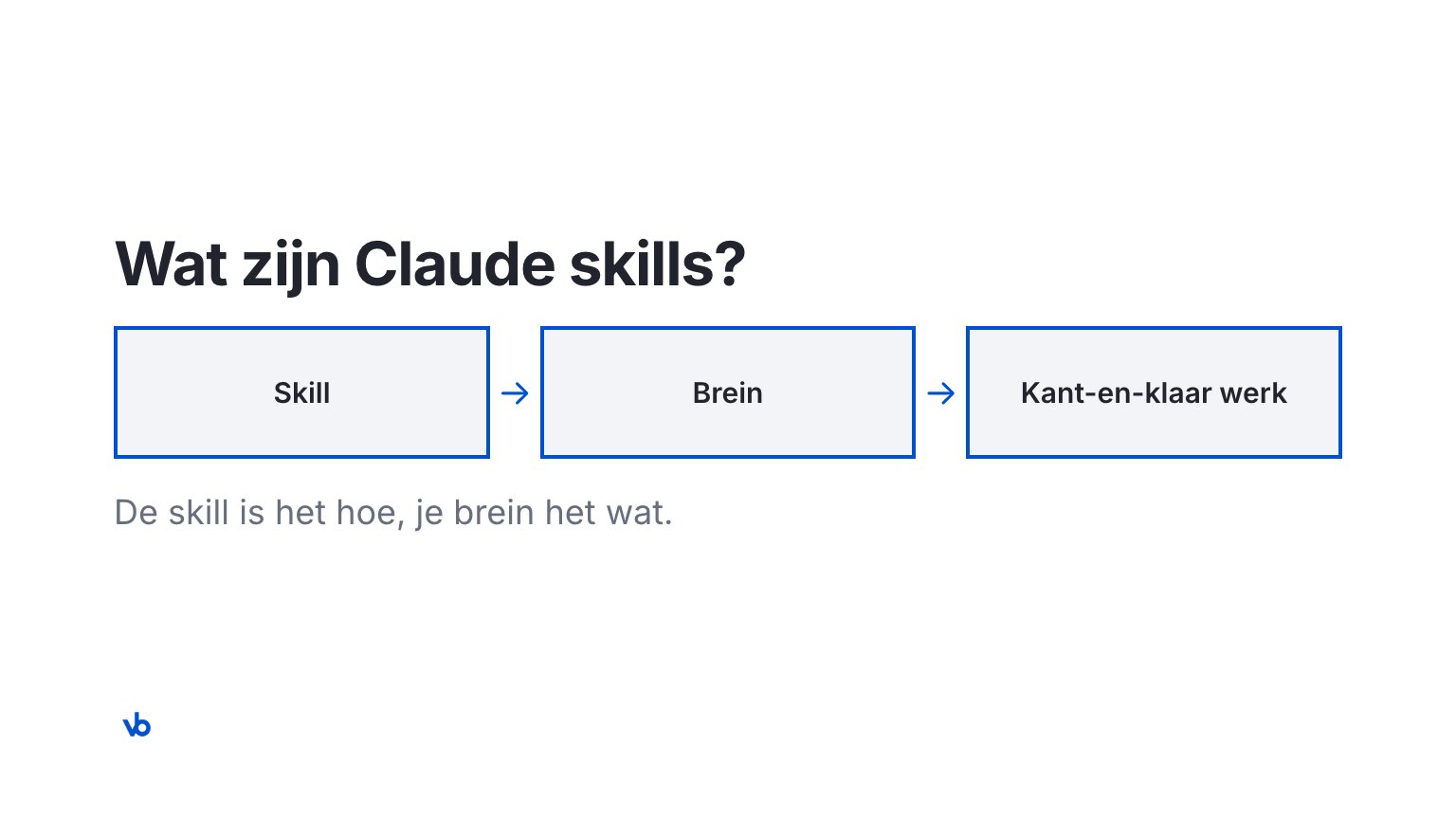
Claude skills are fixed ways of working for Claude: a file with instructions for one type of task, such as preparing a meeting or writing a blog. Claude only uses a skill when it fits your question. A skill captures how the work is done. What goes into it, such as your offer and your tone, comes from your company knowledge.
Quick Take: A Claude skill is the how: the fixed steps for one task. Your company brain is the what: your offer, your customers, your tone and your rules. A skill without a brain writes generic text or goes out of date. With a brain underneath, every department gets ready-to-use work that is right, and you decide what happens with it.
I build skills for companies and my own company runs on them. This article was also made with my skill for blogs. Below you will read what a skill is, how it differs from a prompt or a Project, and which skills work per department.
What are Claude skills?
Short answer: a skill is a folder with instructions, and sometimes examples or scripts, for one type of task. Claude only loads it when your question calls for it.
The official name is Agent Skills. Anthropic released them in October 2025 (source: Anthropic, Introducing Agent Skills, October 2025). A skill has a name and a short description. From that description Claude sees when the skill fits. Only then does Claude read the rest.
This is how a good skill works, in four steps:
- Intake. The skill first asks a few questions, for example which meeting you are preparing.
- Knowledge. It fetches what it needs: from your CRM what is happening now, from your brain how you work.
- Result. You get ready-to-use work, such as a briefing, a blog or a plan.
- You decide. You read it, adjust it and decide what happens with it.
Skills work in Claude in the browser, in the app and in Claude Code. Since October 2026 the standard sits with the Linux Foundation (source: Anthropic, Donating Agent Skills to the Agentic AI Foundation, October 2026). ChatGPT, Cursor and GitHub Copilot use it too. So you are not tied to one vendor.
What is the difference between a skill, a prompt, a Project and MCP?
Short answer: a prompt is one instruction and a Project is fixed background. MCP is a connection to your systems, a skill a fixed way of working.
| What it is | When active | Good for | |
|---|---|---|---|
| Prompt | One instruction you type | Only in that conversation | A single question |
| Project | Fixed documents and instructions | Always in that Project | Background on one topic |
| Custom GPT | Your own version of ChatGPT | When you open it | One task in ChatGPT |
| MCP connection | Access to a system, such as your CRM | When a task needs it | Fetching or writing data |
| Skill | A fixed way of working for one type of task | Only when your question fits | Work that keeps coming back |
They work together. A skill tells Claude how to use an MCP connection, and which knowledge to add. The difference between Projects, Cowork and skills is in Claude Projects vs Cowork vs Skills vs Code.
Why does a skill need a company brain?
Short answer: because a skill captures the how, not the what. Without company knowledge underneath, it writes generic text, or you put your offer in the skill itself and it goes out of date.
Say you build a skill for quotes and put your packages and prices in it. A month later your offer changes. Then you have to check every skill that contains those prices. With a brain underneath, your offer lives in one place, with an owner. The skill fetches it from there. Change the offer, and every skill works with the new version straight away.
That is also the difference between a handy trick and work that is right. The skill takes care of the fixed steps. The brain makes sure the content fits your offer, your customers and your tone. What a brain is exactly, you can read in What is a company brain?.
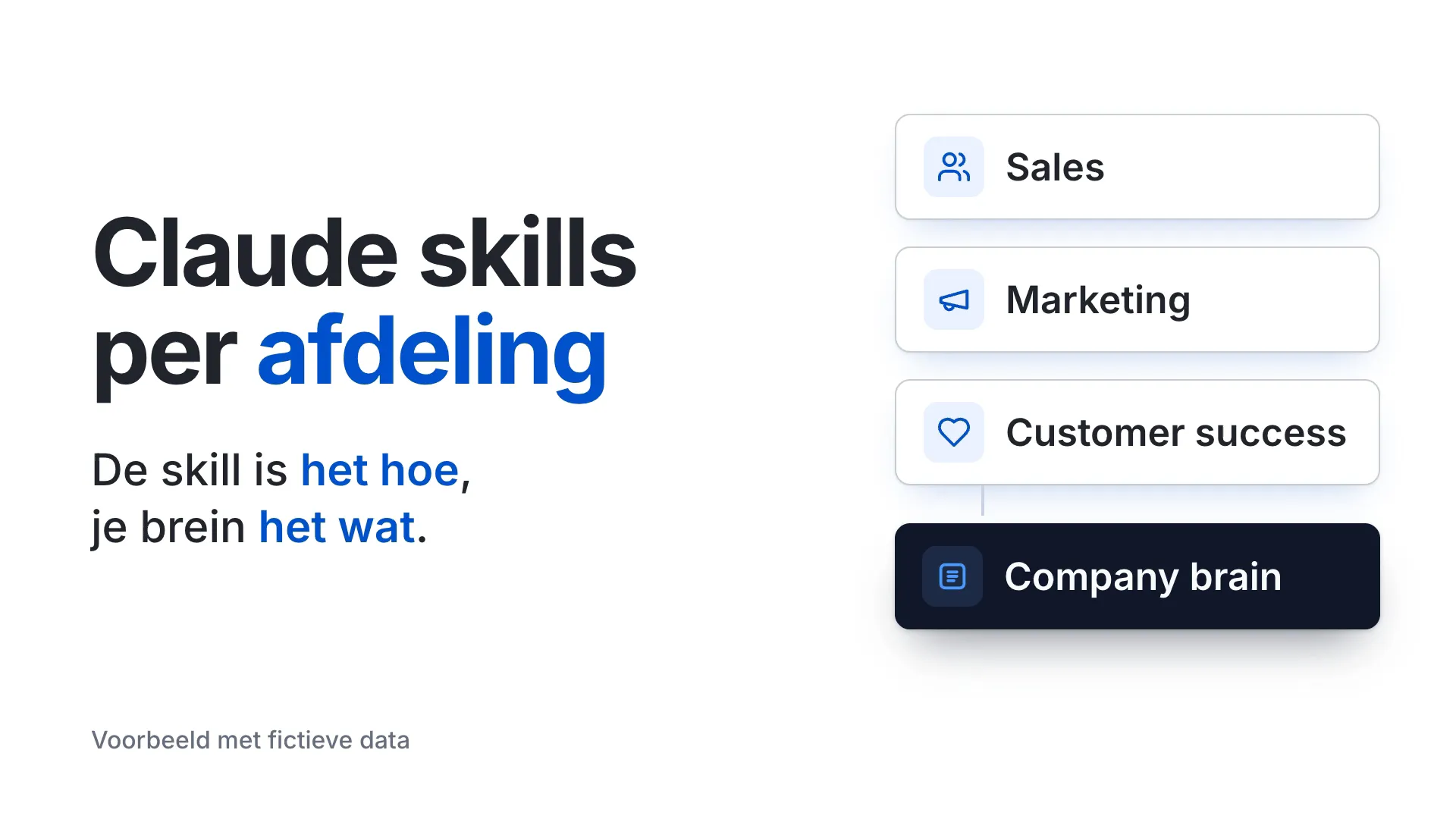
Which Claude skills work per department?
Short answer: every department has work that keeps coming back. That is where a skill fits. Below, per department, what is possible.
These are possibilities, not a fixed package. I build skills per company, and you start with the department and the tasks you choose. A few skills also make a video, always in your brand style and only after your approval.
Sales
| Skill | What you get |
|---|---|
| Prepare a meeting | A one-page briefing: does the customer fit, which offer, which questions, which objections |
| Write a proposal | A one-page proposal, with the offer from the brain |
| Follow-up email after the meeting | A personal draft in your mailbox, in your tone; you send it |
| Video after the meeting | A short video for the customer with what you discussed and the next step |
Marketing
| Skill | What you get |
|---|---|
| Write a blog | A blog with its own angle, internal links and images |
| Create a landing page | A page per department or industry, in your brand style |
| LinkedIn post | A post with images in your brand style |
| Product video per industry | A short video that shows what your product does for one industry |
Customer success
| Skill | What you get |
|---|---|
| Prepare a churn conversation | For a customer at risk of leaving: what is going on, what was promised and a call script with a fitting step from your offer |
| Onboarding plan per customer | A plan with goals, milestones and who does what, including what sales promised |
| Prepare a customer review | A quarterly review with usage from your systems and a proposal for the next step |
| Explainer video for a release | A short video that explains a new feature, with the release note |
RevOps
| Skill | What you get |
|---|---|
| Assess an incoming request | The company checked against your ideal customer, which package fits, who the request goes to, and a draft reply that a person sends |
| Prepare a pipeline review | Per open deal: does the customer fit, is the stage right, which objections are open and which next step fits |
| Handover from deal to customer | A note with everything that was sold and promised, checked against the package |
| CRM check | A list of deals and companies whose data does not match your ideal customer, packages or stages |
| Win and loss analysis | Why deals were won or lost, with proposals to update the brain |
In RevOps the brain makes the difference: your CRM says what is in a deal, the brain says whether that matches how you sell. The skill proposes, a person updates the CRM.
Management
| Skill | What you get |
|---|---|
| Decisions with a source | An overview of what you are working on and what was decided, with the source, owner and date of each decision |
| Monthly update | An update for the team, board or investors: figures from your systems, the story from the brain |
| Test a plan against your strategy | A new plan next to your vision, positioning and offer: what fits, what clashes and which questions come first |
HR
| Skill | What you get |
|---|---|
| Onboarding plan per role | A plan for the first weeks: what someone needs to know, who they meet and which skills they use |
| Job posting in your own tone | A job posting that fits your vision, tone and what you offer |
| Explain a change | An internal announcement about a new policy or tool, with a short version per department |
| AI policy | A one-page AI policy, in your own tone, together with management |
Recruitment, selection and assessment of people stay out of it. Who you choose is your decision.
Which department do you start with?
Short answer: the department where the same work comes back most often, and where one person can capture the knowledge.
Often that is sales or marketing. The work there is easy to recognise, such as preparing a meeting or writing a blog, and the result is quick to judge. Start with one or two skills. Let the team work with them and improve them. Then the next department follows.
What does Anthropic offer itself, and what do you add?
Short answer: Anthropic provides ready-made skills and plugins per department. They do not know your company. You have to capture that part yourself.
- Plugins per department. A plugin bundles skills and connections, for example for sales or HR (source: Claude Help Center, accessed November 2026).
- Claude for Small Business. Skills and workflows for sales, HR and customer service, among others, with connections such as HubSpot (source: Anthropic, May 2026).
That is a good base. But a general sales skill does not know which package fits which customer, which promises you never make and how you sound. You put that knowledge in your brain, and your own skills use it.
How do you share skills with your team?
Short answer: on a Team or Enterprise account, the admin can set up skills for everyone. That way the whole team works the same way.
- Set up centrally. The admin decides which skills are on (source: Claude Help Center, accessed November 2026).
- Per department. Give each department the skills that fit its work. That keeps it clear.
- Mind the place. Your own skill in Claude in the browser is not automatically in Claude Code. A plugin does take your skills everywhere.
How do you keep skills up to date?
Short answer: keep the skill about the how and the brain about the what. If your offer changes, you update the brain, not every skill.
A skill goes out of date when it contains things that change, such as prices or product names. That is called skill drift. So give each skill an owner and a version, and test it after a change with a real task. More on this in skill drift in Claude Code.
When do you not make a skill?
A skill is not always the answer. Do not make one if:
- the work is one-off, such as one speech or one research project;
- there is no fixed way of working, and it is different every time;
- it concerns a decision with big consequences, such as a dismissal or an investment;
- the knowledge the skill needs is not written down anywhere yet. Capture that first.
How do I know this works?
My own company runs on its own brain with skills. Three skills are in use: preparing a meeting, writing a blog and creating a landing page. This article was made with that blog skill and then read and approved by me. Some of the other skills are built and are being tested now. The rest are possibilities that I build per company.
There are no customers with a brain project to mention here yet. That is why I show my own work instead of a case.
What Claude skills do not do
A skill does not create knowledge that is not there. If something is missing, a good skill says so instead of making something up. A skill does not make decisions for you either: a person reads and decides what goes out. And a skill does not replace a colleague; it takes over the fixed part of the work.
How I build skills with your team
I build your company brain and the skills per department on top of it, and I teach your team to work with them. You start with the department you choose. How that works and what is possible per department, you can read on company brain.
Sound familiar? Let's talk.
In 30 minutes we look together at which team your brain starts with. No obligation.
Frequently asked questions
A Claude skill is a fixed way of working for one type of task, which Claude only uses when your question calls for it.
A prompt is one instruction in one conversation. A skill is a fixed way of working that Claude uses again and again for the same type of task.
A Project is fixed background that is always loaded. A skill is a way of working that Claude only picks up when the task calls for it.
No. A skill is mostly text with instructions. Claude can help you write it, but always test it with a real task.
Yes. The standard is open and is also used by ChatGPT, Cursor and GitHub Copilot, among others.
Yes. On a Team or Enterprise account, the admin can set up skills for everyone.
A skill captures how the work is done. The brain supplies what goes into it, such as offer, customers and tone, and keeps that up to date in one place.