Prepare for a sales call with AI: your CRM and company brain
By Mike van BeaumondAI Engineer · company brain & automationpublished on
9 min read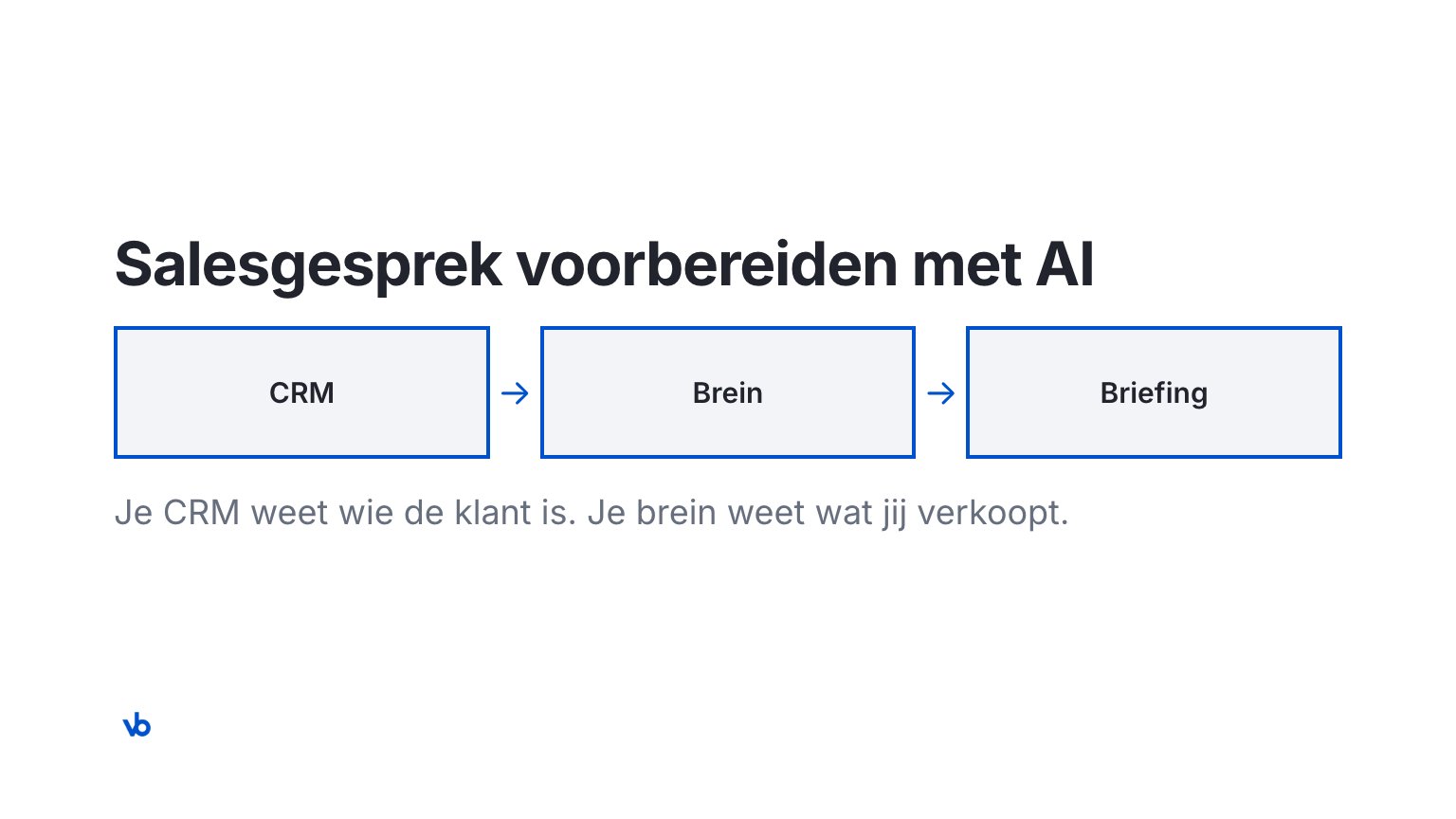
Preparing for a sales call with AI works best with two sources. Your CRM knows who the customer is and what happened before. Your company brain knows what you sell, who it fits and which objections you hear. Claude puts the two side by side and writes a one-page briefing. You decide what to do with it.
Quick Take: Your CRM knows who the customer is. Your brain knows what you sell. With both, you get a briefing before every sales call: does the customer fit, what is going on, which offer, which objections, which questions and which next step. Customer data comes from the CRM per call and stays there. You decide what you use.
Preparing a sales call often takes longer than the call itself. You search the CRM, old emails and decks you are not sure still apply. I prepare my own calls with a skill on my own brain. Below you read how that works, what goes into the briefing and what your CRM does in it.
How do you prepare for a sales call with AI?
Short answer: you ask Claude to prepare the call. A skill (a fixed way of working for one type of task) pulls the customer from your CRM and the company knowledge from your brain. You get a briefing and check it.
This is how it goes, in five steps:
- You ask. For example: "Prepare my call with Kadewerk on Thursday." Kadewerk is a fictional company I use in examples.
- The skill asks a few questions. What is the goal of the call, and what role does the other person have? What is already known, it does not ask.
- Claude fetches the customer. From the CRM: the deal, earlier calls, what was promised. From the company website: what is going on publicly.
- The brain adds to it. Your offer, your ideal customer profile, the approach per role, the objections with your answer and the cases you may still mention.
- You decide. You read the briefing, adjust it and decide what you use in the call.
What a skill is exactly, you can read in What are Claude skills?.
What does your CRM know, and what doesn't it?
Short answer: your CRM knows everything about the customer. It knows little about your own company. An AI inside your CRM can summarise what happened, but it cannot tell you what to offer.
HubSpot has its own AI for call preparation. Before the call, Breeze pulls the contact history, the deal stage, past calls and recent activity from the CRM (source: HubSpot, Breeze meeting prep, accessed November 2026). That is useful. But it is still knowledge about the customer.
| What you want to know before the call | In your CRM | In your brain |
|---|---|---|
| Who is the customer and which deal is open? | Yes | No |
| What was discussed or promised before? | Yes | No |
| Does this customer fit your ideal customer profile? | No | Yes |
| Which offer fits, and why? | No | Yes |
| Which objections do you hear often, and what is your answer? | No | Yes |
| Which cases may you still mention? | No | Yes |
| How does your company sound? | No | Yes |
So the brain is not in your CRM, and your CRM is not in the brain. The skill uses both. What a brain is, you can read in What is a company brain?.
What goes into a good call preparation?
Short answer: enough to lead the call, and no more. One page, always with the same headings. That way you see right away what is missing.
This is the briefing of my skill, filled in for Kadewerk. It is an example with fictional data.
| Heading | What it says (Kadewerk, fictional) | Where it comes from |
|---|---|---|
| Does the customer fit? | Yes. A SaaS company that is growing and opening a second office. | Website and CRM, checked against the customer profile in the brain |
| What is probably going on? | The CEO wants new colleagues to work on their own quickly. This is an assumption. | Role from the CRM, approach per role from the brain |
| Which offer fits? | The offer that fits a growing team, with the reason. | Offer from the brain |
| Which objections do you expect? | "We already have AI in our CRM." And: "We have no time right now." With the answer your company gives. | Objections from the brain |
| Which questions do you ask? | Five open questions, such as: "How does a new colleague get up to speed now?" | Role and company |
| What is the next step? | One step, with who does what and when. | Offer from the brain |
| You decide here | Do you go ahead, which offer do you mention, which flag counts? | You |
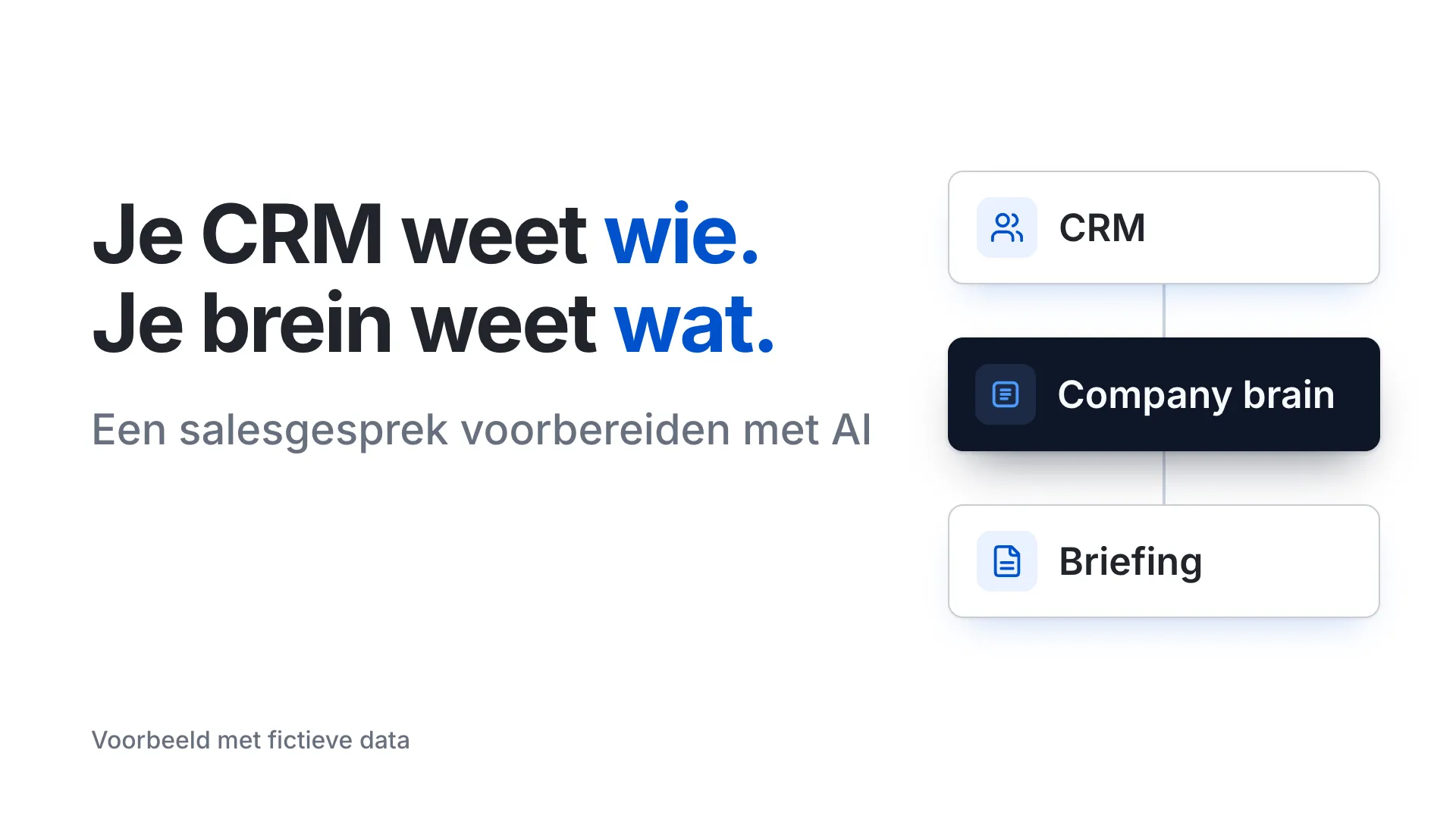
Note two things. Every line has a source, so you can check it. And if Claude cannot find something, it says "not found". It does not fill the gap itself. How this works for a sales team, you can read on the company brain page.
How does Claude pull the customer from HubSpot?
Short answer: through the official HubSpot connector for Claude. A connector is a link that lets Claude read a system. Claude only sees what you are allowed to see in HubSpot.
This is how you set it up (source: HubSpot Knowledge Base, accessed November 2026):
- A paid Claude plan. The connector works with Pro, Max, Team or Enterprise.
- Approval in HubSpot. A Super Admin approves the connector first. After that, each colleague connects their own account.
- Permissions per person. Claude only sees the contacts and deals you are allowed to see in HubSpot.
- Writing with approval. The connector can create and update records, but not delete them. Set the write tools in Claude to "Needs Approval". Then Claude asks for your approval first.
Do you use another CRM? Then you need a connector for that CRM. One exists for many CRMs. How to set up connectors, you can read in How to set up Claude connectors.
Does this also work for a quarterly review or a customer who might leave?
Short answer: yes. The principle stays the same. The CRM says what happened with this customer. The brain says what you can offer and what you promised.
| Call | From your CRM | From your brain | What you get |
|---|---|---|---|
| Introduction | Company, lead source, any earlier contact | Customer profile, offer, objections | A one-page briefing |
| Follow-up call or demo | What was discussed last time, open points | Which demo fits this role, which case you may mention | A briefing with the next step |
| Quarterly business review (QBR) | What the customer buys, tickets, usage | What is new in your offer | An outline for the call or a deck |
| Customer who might leave | Signals, such as lower usage or complaints | What was promised, which step from the offer fits | A call script with one fitting step |
In a quarterly review and with a customer who wants to leave, it is often someone from customer success who talks. They use the same brain. That way everyone tells the same story.
What happens to your customer data?
Short answer: customer data stays in your CRM. The skill fetches it for one call. The brain does not store it.
These are the rules my skill follows:
- Customer data stays in the source. The brain holds company knowledge, not data about customers or people.
- No profiles of people. The skill looks up information about the company, such as the website, vacancies and news. It does not look up personal profiles of the person you talk to.
- Permissions stay the same. Whoever cannot see something in the CRM cannot see it in Claude either.
- Nothing goes out by itself. The skill prepares. An email or a change in the CRM only happens after your yes.
Use a business Claude account in your company's name. Where your data is stored and who can access it, you can read on privacy and data.
This is how I prepare my own calls
I use this skill myself, on my own brain. For me it fetches public information about the company, such as the website and vacancies. My brain adds my customer profile, my offer, the objections I hear and the questions I ask. I do not connect a CRM to it myself. At a client, the CRM is added, as in the Kadewerk example.
What I get back is always the same page. I see whether the company fits before I spend time on the call. And I see which objection to expect, with the answer I gave to it before. Preparing goes from hours of searching to minutes of checking.
What doesn't it do?
- It does not hold the call. You talk to the customer.
- It does not send email by itself. A follow-up email is a draft. You adjust and send.
- It does not predict a deal's chances. It says what is known, not whether you win.
- It does not record calls. Other tools do that.
- It does not replace your CRM. The CRM stays the place for customer data.
- It does not make things up. What is not there, says "not found".
Every sales call prepared with your company's knowledge
I build your company's brain and the call preparation skill, connected to your CRM. Your team learns to work with it, and you decide what goes out. How that works, you can read on the company brain page.
Sound familiar? Let's talk.
In 30 minutes we look together at which team your brain starts with. No obligation.
Frequently asked questions
According to HubSpot, you need a paid Claude plan: Pro, Max, Team or Enterprise. For a team, a business account in your company's name works best (source: HubSpot Knowledge Base, accessed November 2026).
Yes, if there is a connector for your CRM. The skill works the same way: customer data from the CRM, company knowledge from the brain. Without a connector, the skill can only use public information about the company.
The HubSpot connector can create and update records, but not delete them. Set the write tools to approval, then Claude asks for your yes first. My skills write nothing to the CRM without your yes.
No. The brain holds company knowledge, such as your offer, your customer profile and your objections. Customer data stays in your CRM and is fetched per call.
Every line in the briefing has a source, such as the CRM, the website or a part of the brain. What Claude cannot find, says "not found". You check it before you use it.
Yes. Your offer, your customer profile and your objections are in the brain, not in the CRM. What the skill cannot find in the CRM appears as an open point in the briefing. That also shows you what is missing.
Preparing goes from hours of searching to minutes of checking. How much it saves for your team, we measure together up front on two fixed tasks, with your own numbers.